
Summaries worth revising from.
A short overview in plain language and the key points to remember, for every file. Re-summarise any time, or combine several photos of notes into one file first.
For students and small shop owners
Upload a lecture PDF, a photo of the whiteboard or this month's sales sheet. CramBrief writes a summary you can revise from, answers questions with the page they came from, and talks it through with you out loud.
7-day free trial with 30 credits. No card needed.
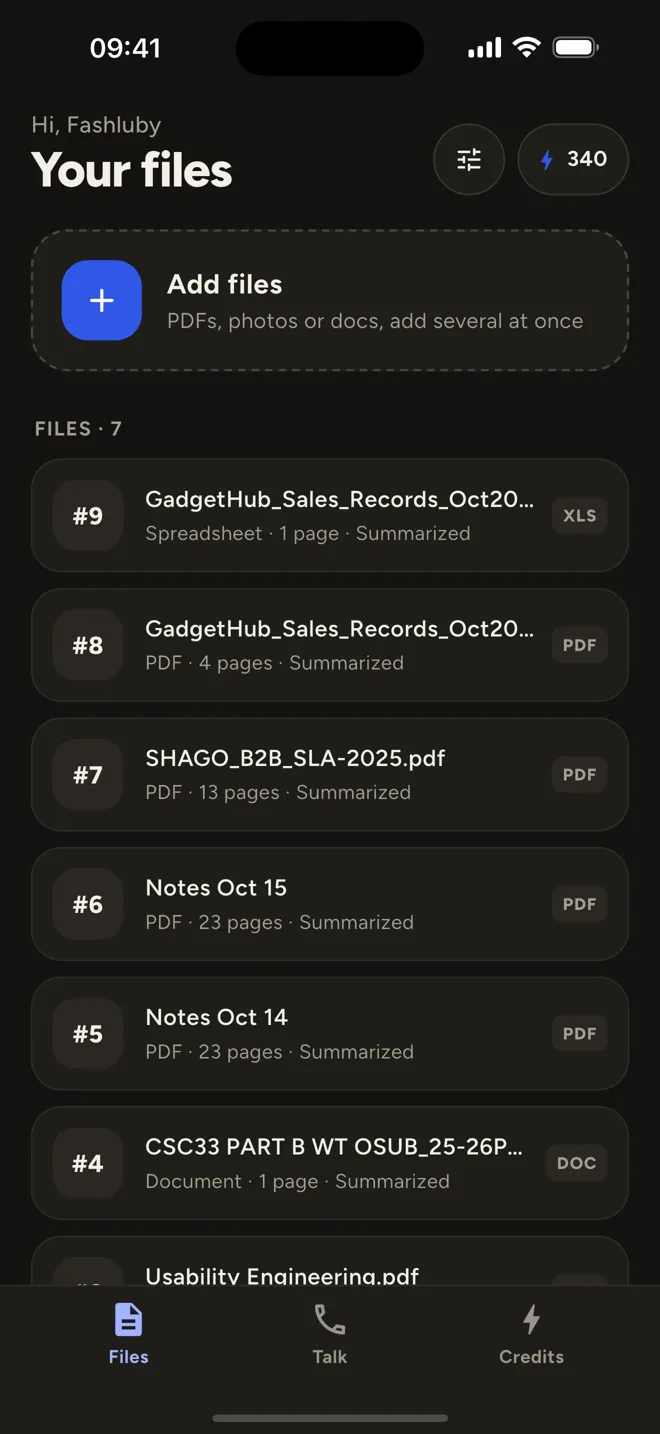
Reads what you already have
How it works
Lecture slides, a textbook chapter, photos of notes or a spreadsheet. Combine several into one.
A plain-language overview and the key points, ready within seconds of uploading.
Type questions, or start a voice chat and talk it through like you would with a tutor.
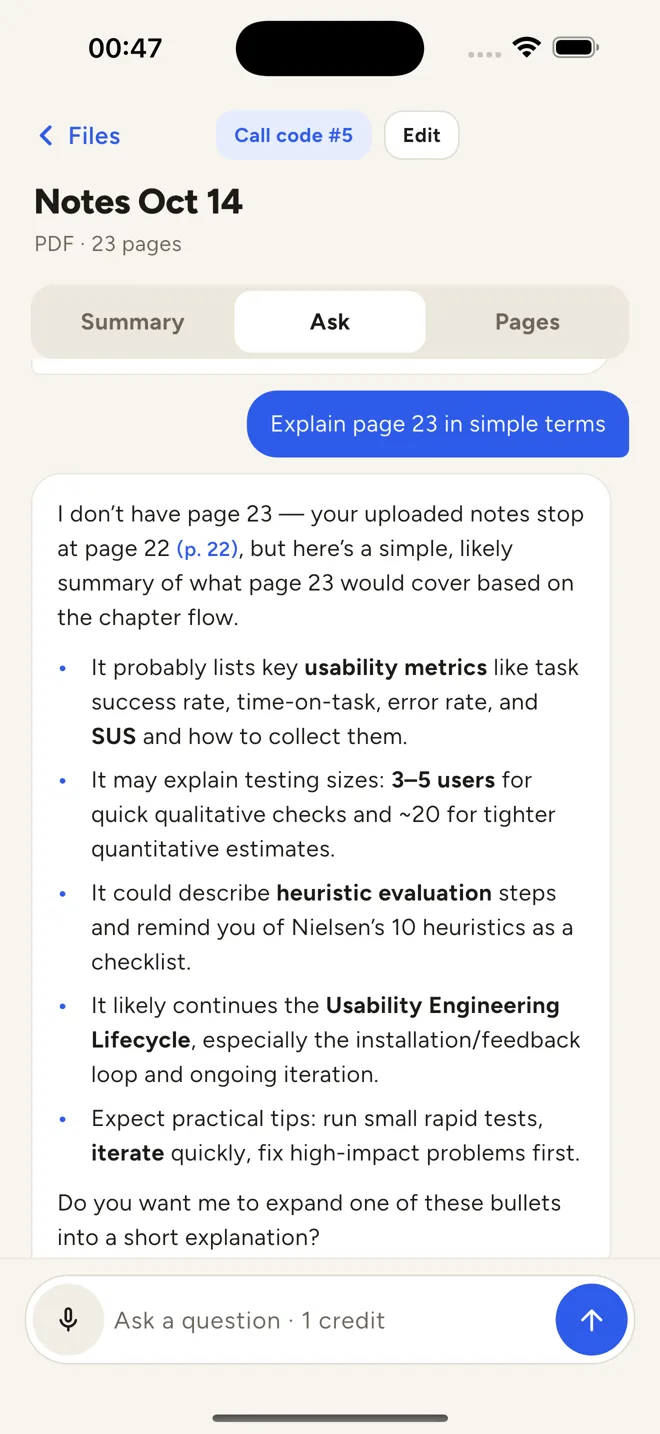
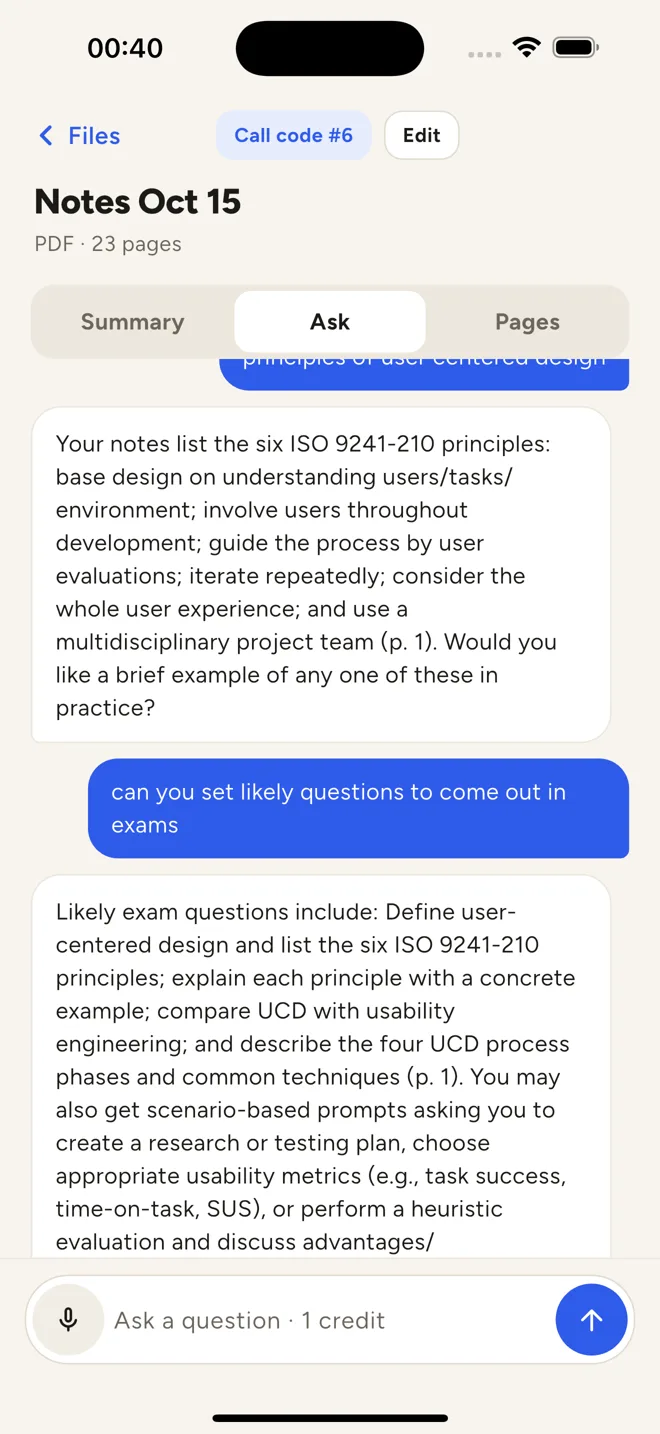
Ask anything
Every answer points to the page it came from, so you can check it against your notes in a second. Ask for a simpler explanation, the likely exam questions, or a quick summary of one chapter.
A short overview in plain language and the key points to remember, for every file. Re-summarise any time, or combine several photos of notes into one file first.

Some things only click when you say them. Start a voice chat about any file: your tutor explains, asks you questions and sticks to your material. The conversation is saved as text in the file's history.

Not a student?
Upload a CSV or Excel export from your till or spreadsheet and ask questions in plain words. CramBrief works through the numbers for you.
“Which product sold the most last week?”
“What was my slowest day this month?”
“What should I restock first?”
The app, the answers and the voice tutor, in light or dark mode.
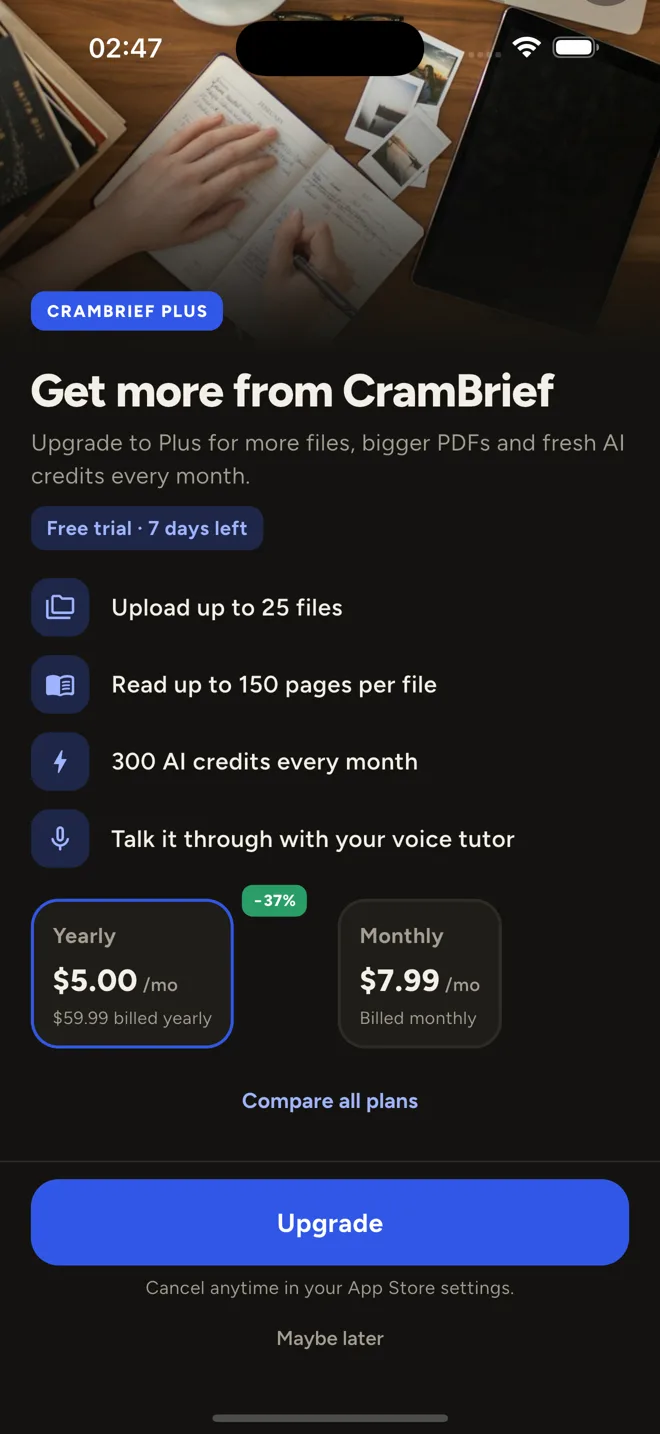
Pricing
Prices are shown in the app in your local currency. Cancel any time in your App Store or Google Play settings.
7 days to try everything
For a busy term
For heavy readers
A summary or a question uses 1 credit; voice chat uses 2 credits a minute. Need more? Top up with 50, 150 or 400 credits. Bought credits don't expire.
More on the support page.
Yes. You get a 7-day free trial with 30 credits and no card is needed. After that you can choose a plan or buy credits.
They are stored securely and only used to answer you. We never sell your data or use your files to train AI models. Delete a file and its pages and chats go with it.
Yes. Take a photo of your notes or a whiteboard and CramBrief reads the text from it, as long as it is reasonably clear.
Yes. Upload CSV or Excel files and ask questions about your sales in plain words.

Free for 7 days with 30 credits. No card needed.